







Android backup restore testing starts with a simple question: did the app recover the data it should keep, while leaving excluded data behind? A successful reinstall or an app that opens normally cannot answer that question on its own. Nigerian learners building offline tools need a clear expected-state record before they judge a restore.
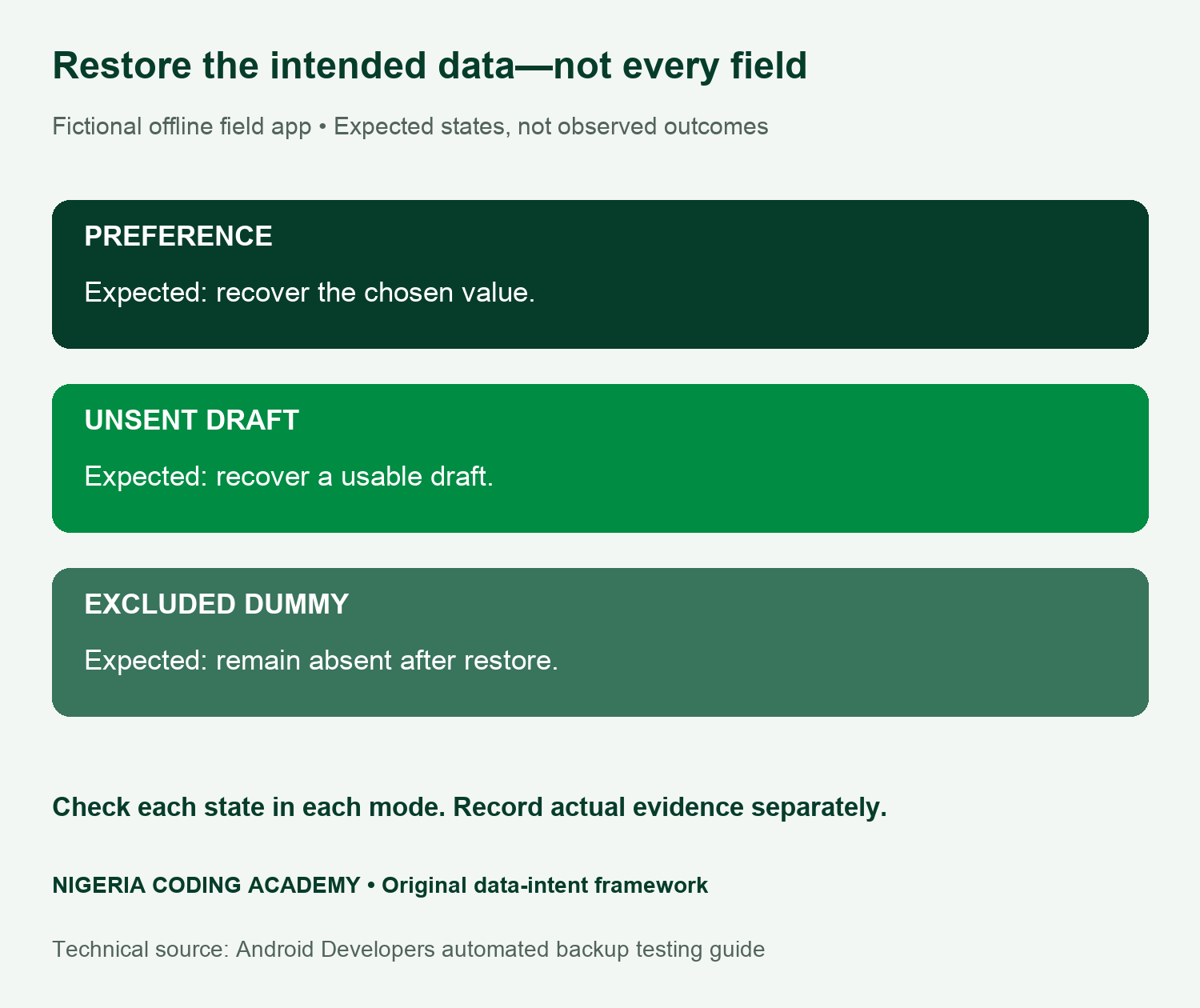
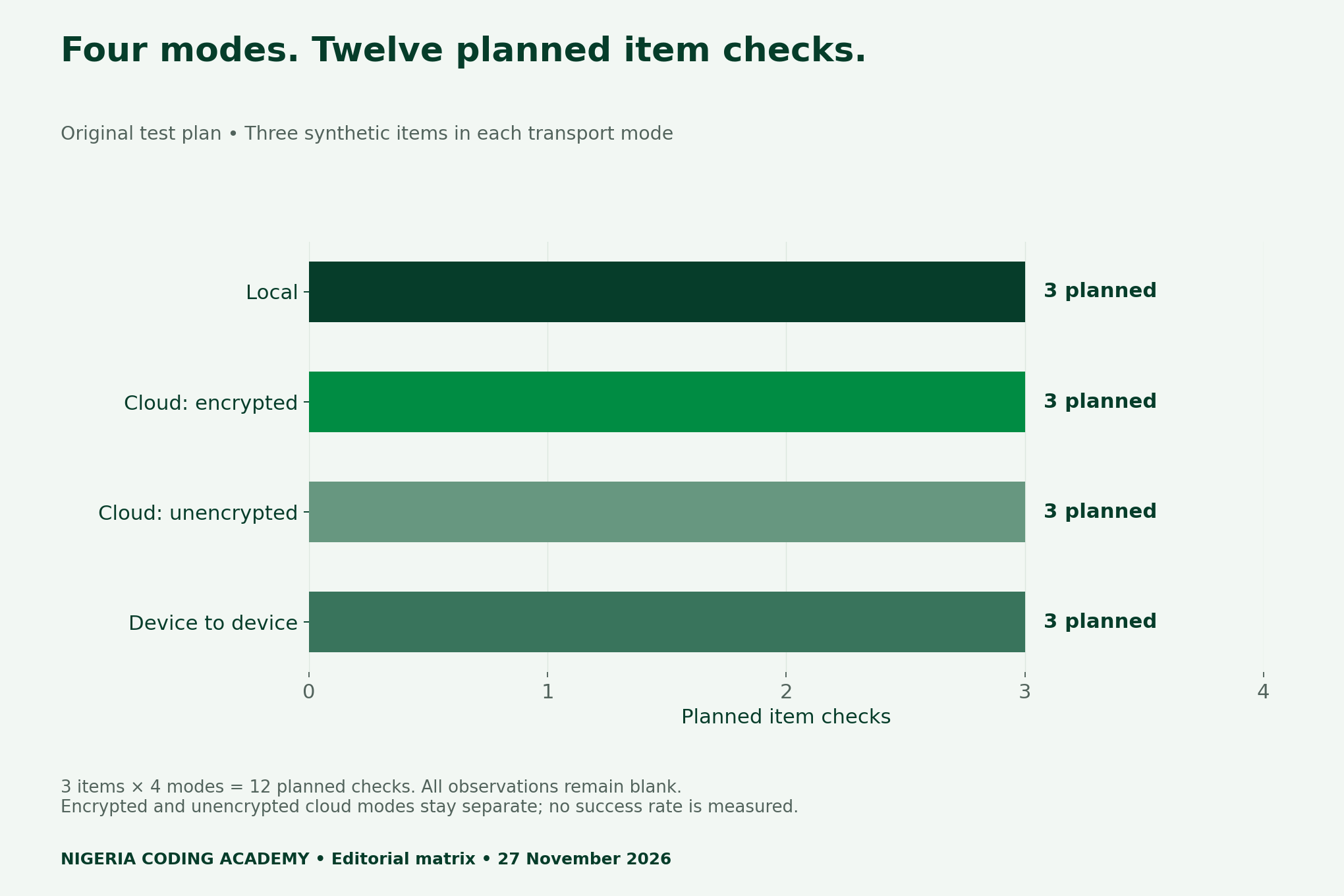
Our fictional field app has three synthetic items: a display preference, an unsent draft and a dummy field deliberately excluded from transfer. We plan each item across four documented transport modes. That makes twelve planned checks, with every observed outcome blank and marked unrun. No Android backup or device transfer was executed for this article.
Android backup restore testing: separate the release dates
Android’s latest-updates listing places Android Gradle Plugin 9.5.0 under 25 November 2026. However, its versioned release notes trace automated restore testing to 9.5.0-alpha09. The capability is experimental; it did not first appear merely because the latest listing is new. Those notes specify Gradle 9.6.0 and JDK 17 for AGP 9.5 compatibility.
The notes require android.experimental.testSuiteSupport=true and android.experimental.enableBackupTest=true. Treat these as version-specific configuration, not proof that your devices and project are ready. Record your exact tool versions and check the current setup guide before attempting a run.
Define the data contract before the transfer
Our app example helps a fictional field worker keep a preferred display color and an unfinished note. The draft contains only a made-up marker. It is not a customer record, medical observation or production identifier. A separate dummy field is included solely to test exclusion from restore.
| Synthetic item | Seed value | Editorial expected state |
|---|---|---|
| display_preference | field-green | restore value |
| unsent_draft | DEMO-FIELD-01 | restore usable draft |
| excluded_dummy | DO-NOT-TRANSFER | absent after restore |
Write down why each item belongs in its expected state. The preference should recover the chosen value. The draft should be available and usable after restore, rather than existing only as unreadable bytes. The dummy should remain absent. In a real app, use the actual storage and backup rules to justify those decisions.
Keep both cloud modes visible in the matrix
The Android Developers testing guide lists LOCAL, CLOUD_ENCRYPTED, CLOUD_UNENCRYPTED and DEVICE_TO_DEVICE. We therefore expand the brief’s three-family sketch into four explicit modes. When backup rules depend on client-side encryption, collapsing both cloud modes into one row can hide an important difference.
The guide also distinguishes test mechanics from a real phone migration: its cloud and device-to-device modes save the generated backups on the development machine rather than uploading them or sending them to another device. Record the mode and evidence you actually used. Do not describe a test artifact as a completed real-world cloud transfer.
What a useful observation should contain
For every row, retain the seed state, the intended backup rule, the chosen transport and the state observed afterward. Add a report location and a short explanation. If the app opens but the draft is missing, record the missing draft. Do not replace that evidence with a general “app launched” pass.
Likewise, seeing the preference return does not prove that the excluded dummy stayed absent. Inspect that condition independently. A deliberately absent field may be the correct result. The matrix keeps each item separate so a friendly looking screen cannot hide the wrong data contract.
Leave an outcome blank if the check was never run. If a setup problem prevents execution, record it as blocked and preserve the error evidence. A blocked or unrun row is not a failed restore, and it is not a pass. This distinction keeps later summaries tied to actual observations.
Use dedicated test devices and synthetic data
The guide requires connected Android 12 or newer devices or emulators, with additional Google Play services conditions for relevant modes. It warns that these tests clear app data and alter backup settings, so use dedicated test devices. Verify the current requirements for your exact version rather than copying an old setup blindly.
Before a class or team exercise, agree who owns the device, which test build is in scope and which sample files may be cleared. Keep logs free of private account details and identifiers. This article supplies planning tools; it does not authorize changes to anyone’s phone or production app.
Download the restore-planning tools
- Twelve-row expected and observed restore matrix (CSV)
- Four-mode planned coverage counts (CSV)
- Blank Android test environment register (CSV)
- Synthetic data and exclusion-intent register (CSV)
Explore our mobile app development guides and Research & Reports for more evidence-based project checklists.
Method and limits
Research checked on 27 November 2026. We compared the official update listing, AGP 9.5 notes and experimental testing guide, then generated the original matrix locally. Three synthetic items multiplied by four transport modes equals twelve planned checks. No device run, restore success rate, privacy-compliance assessment or production-readiness assessment was performed.
Unlock Your Unique Tech Path
Get expert tech consulting tailored just for you. Receive personalized advice and solutions within 1-3 business days.
Get StartedSuggested citation: Nigeria Coding Academy, “Android Backup Tests: Does the New Phone Restore the Right Data?”, 27 November 2026. Keep the synthetic fixture, experimental-feature and unrun-outcome qualifications attached to reused figures.


